Setup
Choose the folder that contains game_scarlett_master.exe or RPF9 archives in the setup dialog, or under
File → Switch game… → Add a game….
With the supported executable beside the archives, OpenRAGE reads their tables of contents with the keys in it. The game is not started, and the keys are not stored. Without the executable, or with another build, archives are shown in a recovery view: their files are found by their content, grouped by type and offset, and without folders.
OpenRAGE contains no game files and no keys, and does not help to obtain either; you need your own copy.
The map
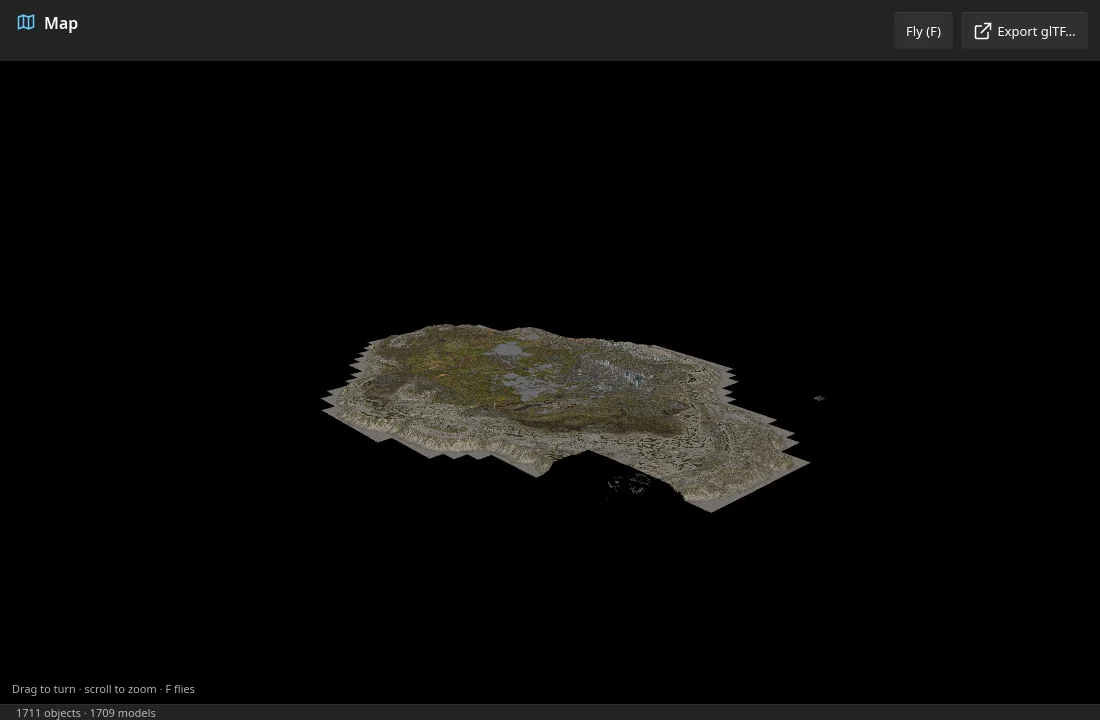
Tools → Map of the game (3D)… shows the whole world. The search index must be complete; the first time, all map
files are read, which takes a minute or two. A single .#map opens as XML; Show in 3D there puts its objects
together with those around it. Interiors are not filled yet.
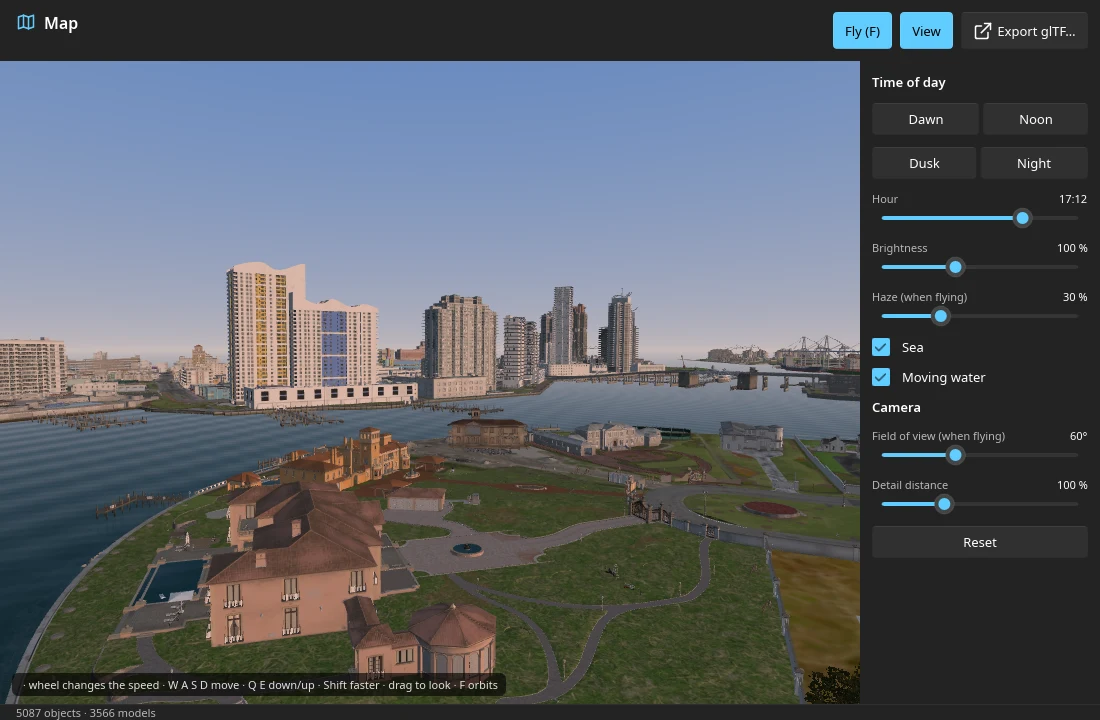
Fly (F) flies through it: W A S D move, Q and E go down and up, Shift is faster, dragging looks around and the wheel sets the speed. In the whole map, details are loaded where the camera is, as the game's own levels of detail tell. View beside it sets the time of day, brightness, haze, the sea, the field of view and how far details reach.
Names
Archives store hashes of their files' names. OpenRAGE finds the names in the executable, in the game's metadata, in the
files themselves and, once the search index is built, in all the other archives. Files whose name is not known are
listed under entries/.
Command line
openrage --game <GTA VI> ls common.rpf
openrage --game <GTA VI> index
openrage --game <GTA VI> search walk
openrage --game <GTA VI> map --render map.png